Logged in a few taps
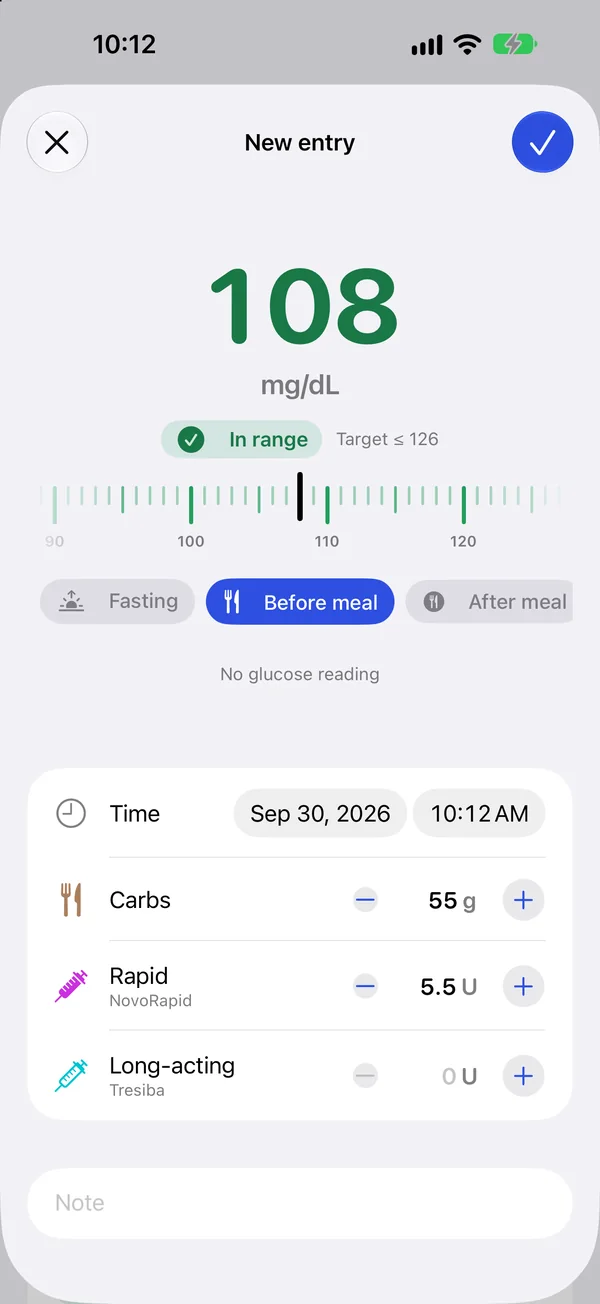
A meter-style ruler, carbs and insulin in one sheet. The app suggests the measurement context from the time of day and your last meal.
SugarGlass is a blood sugar diary for iPhone. Log readings, carbs and insulin in a few taps, with clear charts and targets from clinical guidelines.


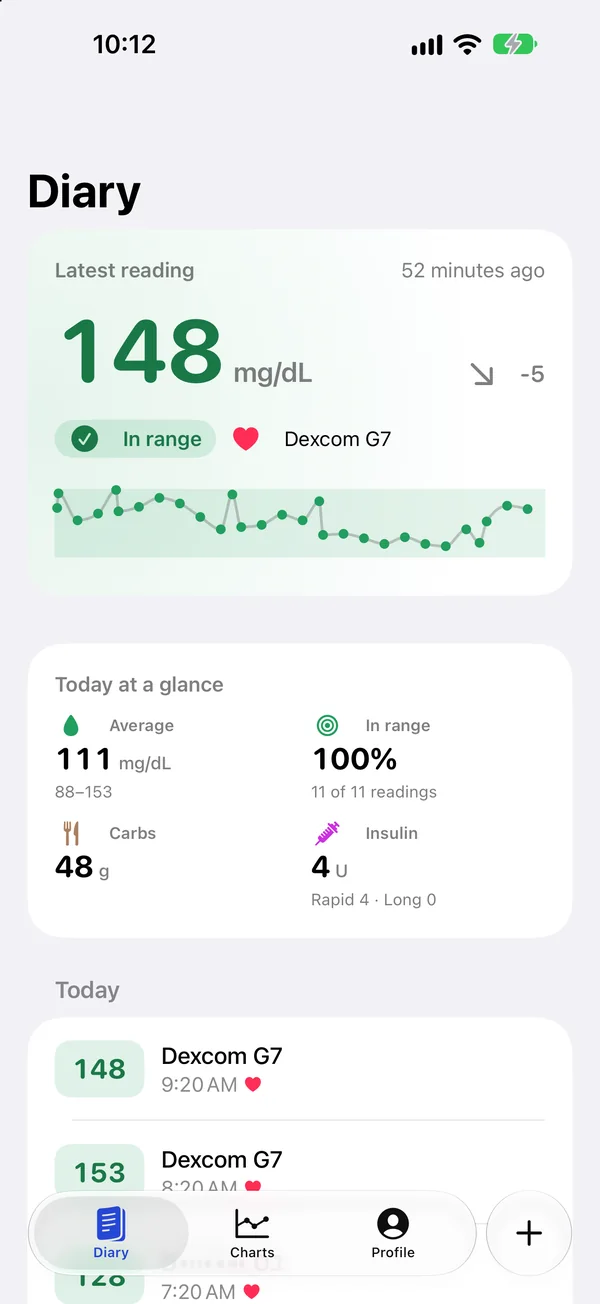
Every reading, every carb and every dose right in front of you — and the whole week on a single screen.
A meter-style ruler, carbs and insulin in one sheet. The app suggests the measurement context from the time of day and your last meal.
Time in range, estimated A1c, variability and your typical day — what your endocrinologist looks at.
No account, no cloud. Your diary lives on the device, and you can send it to your doctor as a CSV file.
Everything for a daily type 1 or type 2 diabetes log — and nothing you don’t need.
Your latest reading, big and color-coded, with the change since the previous one. Below it, a 24-hour sparkline and today at a glance.
Scroll the ruler like on a meter or type the number. Carbs and insulin go in the same sheet.
A day, a week, two weeks, a month or three — the numbers you discuss with your endocrinologist.
Your typical day: every reading of the period on one 24-hour axis. The median and spread show which hours need attention.

Start from the ADA Standards of Care or the Russian guidelines, where glucose targets follow the A1c goal your doctor set — or enter your own.

Scheduled checks, a check 1–2 hours after meals and your basal insulin. Tap a reminder and a new entry opens.

SugarGlass needs no account and never uploads your readings. Everything stays on your iPhone, in the app’s protected storage.
In films, windows shatter without hurting anyone because they are made of sugar glass — clear candy. Fragile yet safe. That’s how glucose control should feel: transparent and gentle.
It’s free, with no ads.
No. Open the app, pick your units and targets, and start logging.
Only on your iPhone. If device backup is on, the diary is included in your backup — Apple manages it and we have no access.
You can export the diary as CSV for your doctor or a spreadsheet in Profile.
Yes, through Apple Health. If your sensor or meter app writes glucose to Health, SugarGlass imports those readings. Frequent CGM data is thinned to one reading per hour so the diary stays readable.
No. SugarGlass is a diary: it records, summarizes and compares with your targets. Your doctor sets your doses.
No. SugarGlass does not diagnose and does not replace your doctor. Make treatment decisions together with them.
Glucose in mg/dL and mmol/L, carbs in grams or bread units (10 or 12 g), and insulin steps from 0.05 to 1 unit for pens and pumps.
SugarGlass is getting ready for the App Store and runs on iPhone with iOS 26 or later. Want to try it early? Write to us and we’ll invite you to TestFlight. There is no Android version yet.
Want early access, found a bug or have an idea? Write to us — we answer in English and Russian.